
$27.99
Add to Cart
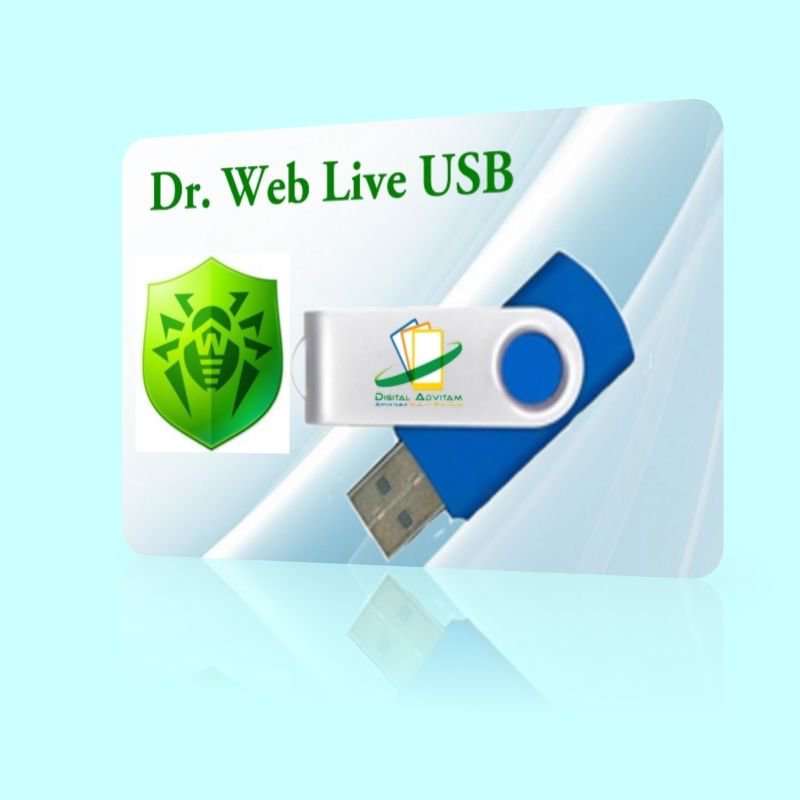
Dr. Web Live Disk USB Rescue Emergency System Recover Disk Defend clean infected
5 available
Details
Shipping: US-Mainland: free (more destinations)
Condition: Brand new
*The store has not been updated recently. You may want to contact the merchant to confirm the availability of the product.


Dr. Web Live Disk USB versionWorks with all Windows including XP, Vista, 7, 8,10 32bit & 64bitEmergency system repair from a CD/DVD disk or a bootable USB drive to be used if your Windows system is rendered non-bootable by malwareIt will help you to not only clean your system of infected and suspicious files but also copy important information to removable media or another computer; Dr.Web LiveDisk also attempts to cure infected objectsHow do I get my computer to boot from USB/CD?You need to make sure the BIOS is set to boot from the correct drive. In most cases, this will require you to manually prioritize the CD/DVD/USB as the boot drive ahead of your usual C: drive. To make this change, you first have to access your computer’s BIOS configuration utility. While the specifics vary from computer to computer, the following steps should be of use to most users: Place the CD/DVD in your drive or insert the USB key as appropriateShut down your computer. Note – do a full shut down. A soft restart will not clear memory and the BIOS setup might not appear.Turn your computer back on and be ready to react quickly. During system start up, you will see a message similar to one of the following:Press to enter setupOrPress to open bios configuration utilityOrPress to change boot orderIt is usually one of the F1 – F12 keys or the DEL key (F2 and DEL are popular).Quickly press whichever key you are requested to press. If you miss it this time, simply try again by shutting down then starting your computer. Having hit the correct key, the bios configuration utility will start. Look for an entry that states 'Boot Order', 'Change Boot Order', 'Change Boot Sequence' or similar. Select it and press enter. Use the arrow keys to select the CD/DVD drive or USB port that you wish to boot from. If you are shown a sequential boot order, make sure CD/DVD/USB (as applicable) is first on the list. Save and exit. Your machine should automatically reboot to the CRD drive, allowing you to use the program. System Requirements Microsoft WindowsWindows XP, Windows Vista, Windows 7, Windows 8, Windows 8.1, Windows 10 F.A.Q Is this a trial version or full software?This is a full version of the software. We use open-source software to provide a more affordable alternative to expensive software on the market. We charge for our work to professionally make and package the USB for your usage. And if you have any questions, please feel free to contact us and we will try our best to assist you. Does the software violate any copyrights?No. I am authorized to distribute this software under the GNU LGPL. This listing does not violate the Digital Delivered Goods Policy as it ONLY offers a USB version. Can I install on more than one computer? Yes. You may install on unlimited PCs within your household and use this software without restrictions. Do you supply printed manual?No. All user manuals are in digital form. Is this Legal software? Yes! This is 100% legal software! All software under GNU LicenseWe are Authorized Distributors Under GNU GPL (General Public License) Does this software have to be activated? No activation is required ! Payment We accept all major credit cards and paypal ShippingNo shipment to Alaska/Hawaii, US Protectorates, APO/FPO, PO Box and International.You will receive an USB. Majority of our shipment are via FedEx with tracking number


