
$30.99
Add to Cart
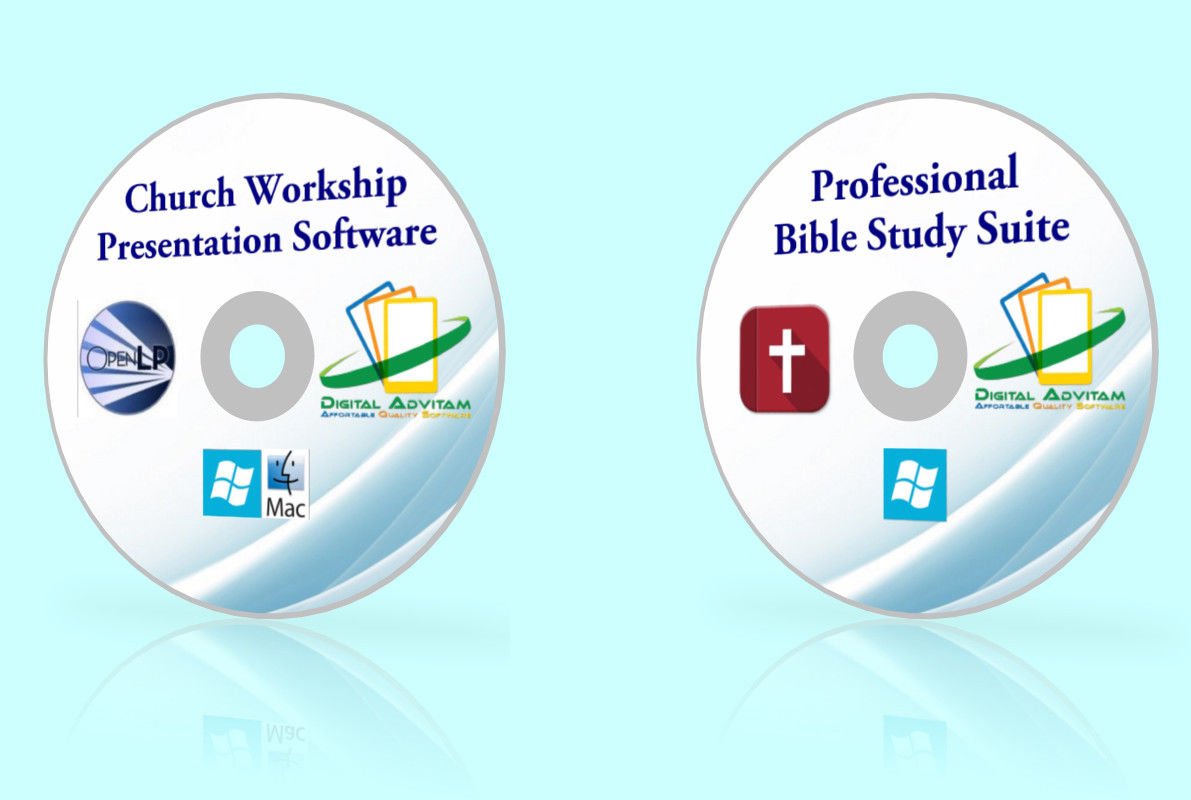
Church Worship Presentation Software Bible Study verses Song projector Windows
2 available
Details
Shipping: US-Mainland: free (more destinations)
Condition: Brand new
*The store has not been updated recently. You may want to contact the merchant to confirm the availability of the product.


2-in-1 Church Workship & Bible Study Software TWO Awesome software for a great price! Compatible with All Windows including Windows 10.1 2. Professional Bible Study Software This is a Bible study application, a graphical desktop environment. It is useful for studying the Bible and additional information like commentaries, dictionaries, and other texts using your computer. Features Tabbed displayShow each version in a separate tab, or create tabs just to hold images, maps, or to read books. Tabs are remembered each time you re-open, and you can even save a particular set of tabs and open them at a later time. Built-in module managerInstall, remove, archive, and index modules with the module manager. You can install modules from a variety of sources Fast indexed searchOnce you have created an index with the module manager, you can do extremely fast (almost instantaneous) searches over entire books. Search features include searching for Strong's numbers, wildcard search, specified range search (eg, Old Testament), and many more. Multi-book searchyou aren't just limited to searching Bibles. Commentaries, dictionaries, and all other modules are searchable. In addition, you can search multiple books at the same time. You can set up sets of books that you can later use in your searches. Read more. Map and Image support has great map and image support. Images are resized automatically to fit in the space allotted them. If you need to see an image full size, you can click on it to open it in an external viewer. Like many other things, the resizing is completely optional. If you don't like it, simply go to Edit->Preferences and turn off the option.Editing Preferences Pseudo-interlinear displayWith the mozembed rendering engine, arranges text with the Strongs Numbers and morphology directly below each word, rather than following the word as many programs do. This creates a clean, easy-to-read interface. Read AloudWith the Festival speech engine installed (we package it by default on Windows), will read aloud the text to you. You can have it read every verse as you change verses, or you can select a region of text for it to read. This can be nice for those with hearing difficulties, or those who simply want to have the Bible or some other book read to them while they are doing something else. Localized interfaceWe have translations of the interface in 11 different languages. We have particularly good support for Right to Left languages such as Hebrew, Arabic, and Farsi. If your language is available, we'd be glad to have your assistance in translating the interface into your language. It is a small commitment of time, and will be beneficial to many other people around the world.User-created modules (journals, prayer lists, commentaries). allows you to create your own modules in the form of prayer lists, journals, and commentaries. You can keep these for your personal use or share them with friends.2. Church Workship Presentation Software Experience the power in your church with worship presentation software designed to fit how you want to run your service. Fast, flexible and easy to use, you will have your service up and running in a few minutes. These features and a whole lot more at a price that can't be beat.It includes the ability to search through lyrics for certain words, search for Bible verses in the Bible, display lyrics and Bible verses in a friendly way to the congregation and interact with popular presentation programs to provide users with an easy way to control a presentation. It also includes easy and instant switching between slides, customizable backgrounds, a song database, and video support. What can this software do? Displays (Managing Screens)The display manager provides the following additional features:Ability to work with single screen and move between the slides using the keyboardAbility to change the size of the output screen so it can mimic a projector of a different sizeAbility to create custom Tags to all different font colours and styles within as songAbility to define your own custom tags and save them.Theme ManagerThe new theme manager provides the following additional features:Improved and more flexible theme editorAbility to clone/rename themesNew Gradient type for backgroundsTransparent backgroundAbility to change the font / style of slide footers.Ability change the size and location of the main text area along with the footers.Main Font Editor shows number of lines on the slide.Ability to adjust line spacing on Main fontEdit shows how many text lines a theme allowsAbility to change size of character border and shadowAbility to adjust the line spacingService ManagerThe new service manager now provides a tree view of the frames within a service item. This allows service items to be started part way through. For example, It the item were a song selecting verse 2 would load the song with verse 2 displayed.Change the Service Theme and all items are re-renderedEdit a Theme and all items using theme are re-renderedChange the Theme for an individual item in the list.Edit a Song or Custom Item in the list and have it replaced in the list. If the item is also being displayed Live it will be updated.Re Order the list using drag and drop.Ability to add Notes to individual Service Items.Ability to re-order and delete the contents of an Image service itemAbility to add additional items to Bible and Image service items by menu and drag and dropAbility to collapse/expand all items in service manager to view all pages.Ability to import songs from Service into Songs plugin.Ability to define a start and end time for media item.Ability to preview the next item in the service when adding a item live.Ability to add an item live and start at any pageAlertsMany new features have been added to Alerts. These include:Alerts queue up to display in order.Ability to save generated alerts if Alert is currently being displayed.Ability to re-use alertsAbility to maintain stored alerts and create new ones or edit existing ones.Ability to have a template and add parameter to alertIssue Alerts over all presentation typesSongsMany new features have been added to the songs plugin. These include:New dialog to edit the song with child window for AuthorsAbility to edit individual verses or Songs as well as the whole Song in one.Ability to add Topics and Song book to SongA song can be edited from the Preview panel and redisplayed on exitCan be edited from the Preview PanelCan be saved and trigger a Preview without leaving the editorVerse Tagging and verse lists now availableAbility to add multiple songs to service manager in one operationSong Import from different applications/file formats:openlp.org v1OpenLP v2Generic Document/PresentationCCLI/SongSelectDreamBeamEasySlidesEasyWorshipFoilPresenterMediaShoutOpenLyricsOpenSongPowerSongSongBeamerSongProSongShow PlusSongs of FellowshipSunday PlusWords of WorshipZionWorxOpenLyrics song exportLink audio to songsBibleMany new features have been added to the bibles plugin. These include:Second translation support. Display two translations on one slide (1 verse per slide).An Advanced bible search (select books, chapters, verses from comboboxes)In quick search: can be interchanged with "v". E.G John 1:4 is the same as John 1v4Ability to import bibles directly from the Web (CrossWalk and BibleGateway). These bibles will be downloaded as needed and stored for future use. Ability the Theme Bible slides independently of Songs ThemesAbility to combine Bible searches on the same slide (Keep/Clear drop down on search tab)Different display settings.MediaThe media plugin plays videos and audio files.Plays videosPlays audio filesAdd multiple media items to service manager in one go.Show Text with a transparent theme over a videoAllows VLC (external) to be used as a media playerImagesA reimplementation of the Images in v1.x. New Live controller has been added with the ability to loop through all slides in the service item using a timer.New Image options tab to set the loop delayImages can replace the live backgroud.Allow Images to be added to existing service manager items.Custom TextA new plugin to allow custom text items, similar to songs but without the additional information, to be displayed.No need to use songs to store liturgy.Ability to edit individual slides as well as all slides combined.Like songs, each custom text item can be assigned a theme.PresentationsAbility to use LibreOffice/OpenOffice Impress to show presentations (Recommended minimum version: v3.2)Ability to use PowerPoint to show presentations (Windows only)Ability to use the free PowerPoint Viewer to show presentations (Windows only)RemotesA new plugin to allow remote computers to control OpenLP via a web interface. This plugin is Inactive by default.Receive the service listChange the current itemChange the current slidesSend alertsBlank/Unblank the screenStage View/MonitorAbility perform a search and add the item to the Service or send it liveSong UsageA new plugin to allow a list (CSV) file to be produced of Live songs. This is extremely handy for end-of-year CCLI license reports and the like.Automatically records all songs passing through the Live controllerAbility to delete records up to a certain date.Ability to export records between dates. System Requirements Microsoft WindowsWindows XP, Vista, and Windows 7, 8, 10 both 32bit *& 64bit. F.A.Q Can I install on more than one computer? Yes. You may install on unlimited computer and laptop within your household and use this software without restrictions. You can also share it with your friends and families. Does this software have to be activated? No activation is required nor is a key needed to use the software! Do you supply printed manual? No. All user manuals if available are in digital form and included in the disc or the USB. Is this software supplied with the box? Sorry no, box for illustration only, everything is supplied on CD-R, DVDR or USB. Is this a trial versio


