
$23.49
Add to Cart
Norton Bootable Recovery Tool Virus Malware Trojan Adware Spyware Restore disc
2 available
Details
Shipping: US-Mainland: free (more destinations)
Condition: Brand new
*The store has not been updated recently. You may want to contact the merchant to confirm the availability of the product.


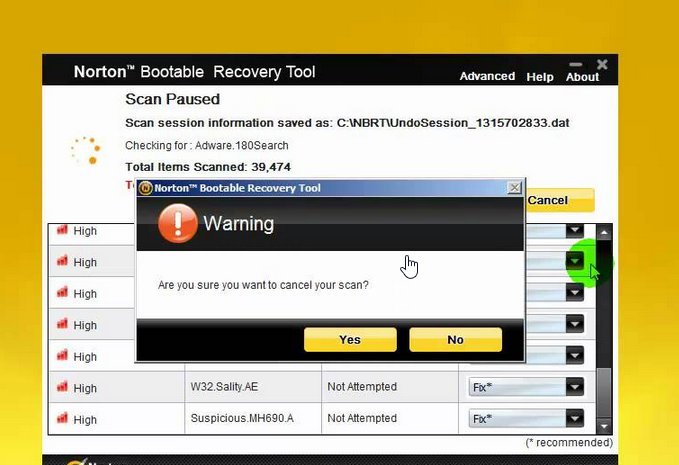
Norton Bootable Recovery Tool Works with ALL Windows including Windows 10.1 Gets your computer back up and running if it becomes so infected that it won't work properly or even start. You can't start your computer because it's infected withVirusTrojan-horsesSpywareMalwareHacking ToolRansomewareAdwareTrackware THIS IS THE TOOL TO HELP YOU!! You can use this tool to restore your computer to normal working mode when it is infected so deeply that it will not start. Norton Bootable Recovery Tool (NBRT) can also be used to scan and remediate threats should you face difficulty in installing or running Norton products due to a virus infection in your computer. Features Repair virus infections that are causing launch failure: Installation of your security product fails because your system is deeply infected by crimeware. Repair infected system files that cannot be removed in Windows environment. Helps you fix your most dreadful computer problems, such as when crimeware embeds itself so deeply into your computer's operating system that it takes a special tool to remove it. How do I get my computer to boot from USB/CD?You need to make sure the BIOS is set to boot from the correct drive. In most cases, this will require you to manually prioritize the CD/DVD/USB as the boot drive ahead of your usual C: drive. To make this change, you first have to access your computer’s BIOS configuration utility. While the specifics vary from computer to computer, the following steps should be of use to most users: Place the CD/DVD in your drive or insert the USB key as appropriateShut down your computer. Note – do a full shut down. A soft restart will not clear memory and the BIOS setup might not appear.Turn your computer back on and be ready to react quickly. During system start up, you will see a message similar to one of the following:Press to enter setupOrPress to open bios configuration utilityOrPress to change boot orderIt is usually one of the F1 – F12 keys or the DEL key (F2 and DEL are popular).Quickly press whichever key you are requested to press. If you miss it this time, simply try again by shutting down then starting your computer. Having hit the correct key, the bios configuration utility will start. Look for an entry that states 'Boot Order', 'Change Boot Order', 'Change Boot Sequence' or similar. Select it and press enter. Use the arrow keys to select the CD/DVD drive or USB port that you wish to boot from. If you are shown a sequential boot order, make sure CD/DVD/USB (as applicable) is first on the list. Save and exit. Your machine should automatically reboot to the CRD drive, allowing you to use the program. System Requirements Microsoft WindowsWindows XP, Windows Vista, Windows 7, Windows 8, Windows 8.1, Windows 10, Windows 10.1 Payment We accept all major credit cards and paypal ShippingYou will receive a DVD with a CD sleeve. Majority of our shipment are via USPS/FedEx with tracking number


