
$29.99
Add to Cart
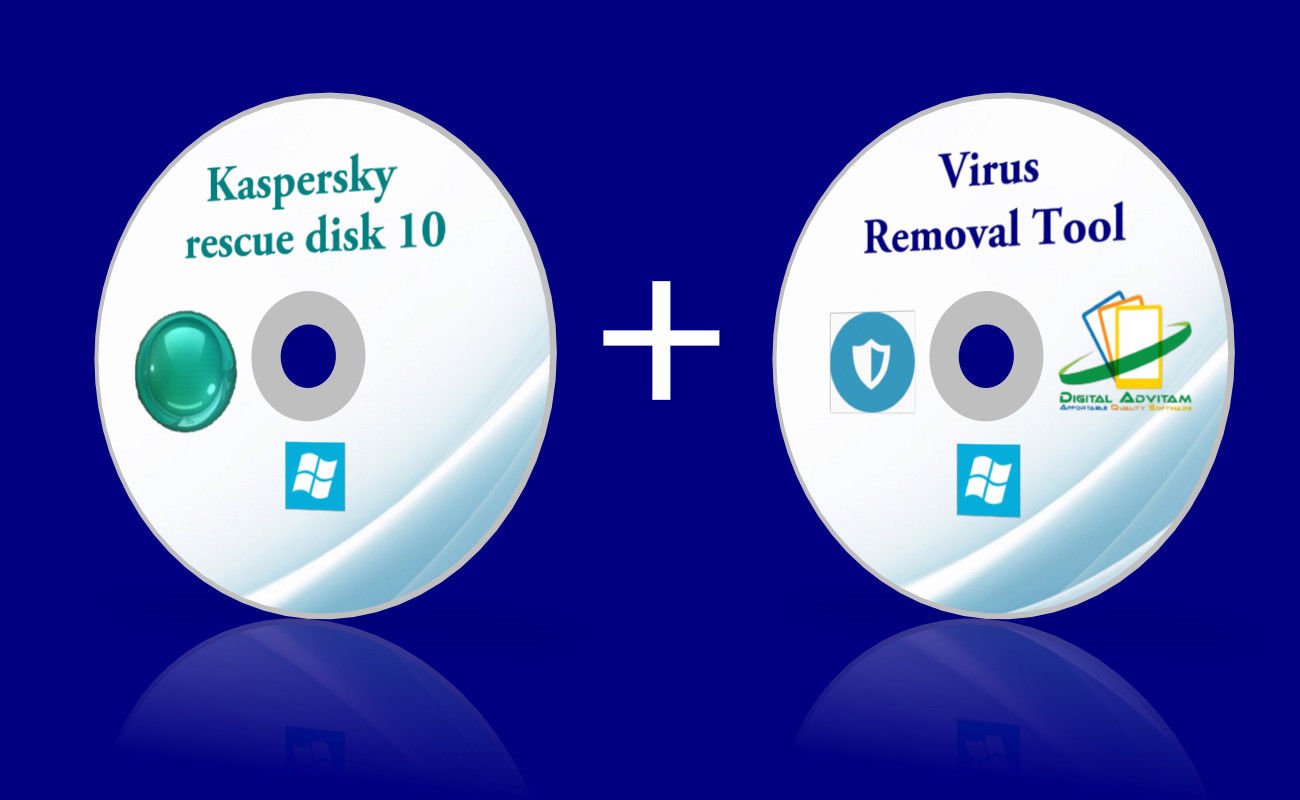
Kaspersky Virus Removal Security Antivirus Malware Rescue Windows 10 8 XP CD
5 available
Details
Shipping: US-Mainland: free (more destinations)
Condition: Brand new
*The store has not been updated recently. You may want to contact the merchant to confirm the availability of the product.


2-in-1 Kaspersky Antivirus Tools Tool 1: Kaspersky Rescue Disk 10If you CANNOT get into your Windows, this is THE TOOL! Kaspersky Rescue Disk 10 is designed to scan and disinfect x86 and x64-compatible computers that have been infected. The application should be used when the infection is so severe that it is impossible to disinfect the computer using anti-virus applications or malware removal utilities (such as Kaspersky Virus Removal Tool) running under the operating system.Configure objects scan settings:change security levelchange actions to be performed on detected objectscreate a scan scopechange types of objects to be scannedlimit scan timeconfigure scan of compound fileschange a scan methodset default settingsConfigure databases update settings:select an update sourcespecify proxy-server settingsspecify regional settingsroll back to previous databasesConfigure additional settings:select detection of specific threat typescreate a trusted zoneconfigure notifications settings:specify time of storing reportsspecify time of storing Quarantine and Backup objectsCreate a report on scan and update tasks.View statistics about applican's functioning. Tool 2: Kaspersky Virus Removal Tool The Kaspersky Virus Removal Tool is well known for being top or close to the top in most major antivirus tests so the Virus Removal Tool is potentially one of the best antivirus scanners around. Use this program even on infected systems In most cases, when the virus is already on the target PC, the malware typically does not allow users to install or update any antivirus software. Kaspersky’s tool can be used on infected computers, even in Safe Mode, and it can automatically remove viruses, Trojans, rootkits, adware or spyware. User-friendly layout and fast scan process Activate the in-depth analysis mode Specify the target location Tips: Safe Mode Before you run a scan on a machine, it's always best to reboot the machine in Safe Mode in case something nefarious is running in the background that prevents the Kaspersky Virus Removal Tool remover from starting up. If you're not sure, booting into Safe Mode is simply a matter of rebooting and tapping the F8 key until the Safe Mode menu appears. When that menu appears, select Safe Mode With Networking. In addition, we are including additional software for FREE1. Anti-ransomeware / Document Protector May 12th 2017 saw the biggest ever cyber attack in Internet history. A ransomware named WannaCry stormed through the web, with the damage epicenter being in Europe. It quickly spread across the world and crippled major companies worldwide. What is ransomware? Ransomware is a type of malicious software that threatens to publish the victim's data or perpetually block access to it unless a ransom is paid. This tool keeps your documents safe. With real-time monitoring and automatic backup, it effectively prevents ransomware and any other threats from hijacking your precious data. It also helps decrypt files which are infected by different types of ransomware including WannaCry and Petya. 2. Secure BrowserBetter than Chrome, Internet Explorer and Mozilla! It is a light weight, easy-to-use browser highlighting its speed and security, is equipped with secure connection, malware protection and free VPN to create a safe browsing environment, along with battery saver and ad-blocker to increase browsing efficiency. F.A.Q Can I install on more than one computer? Yes. You may install on unlimited PCs within your household and use this software without restrictions. Is this software compatible with my version of Windows? Yes. It is compatible with Windows server 2012, 2008,2003, Windows 98, Me, 2000, XP, Vista, and Windows 7, 8, 10 both 32bits *& 64bits. Does this software have to be activated? No activation is required ! Payment We accept all major credit cards and paypal ShippingYou will receive a CDMajority of our shipment are via USPS/FedEx with tracking number


